
Replace clickbait thumbnails on YouTube
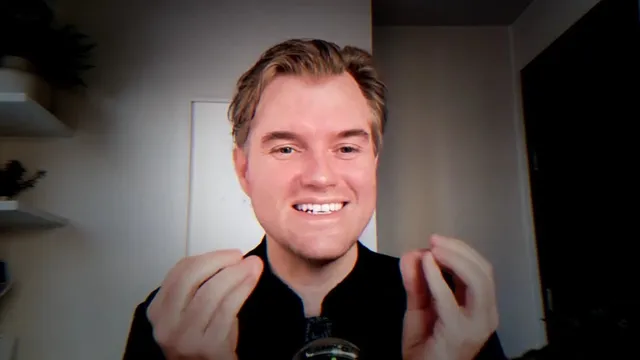
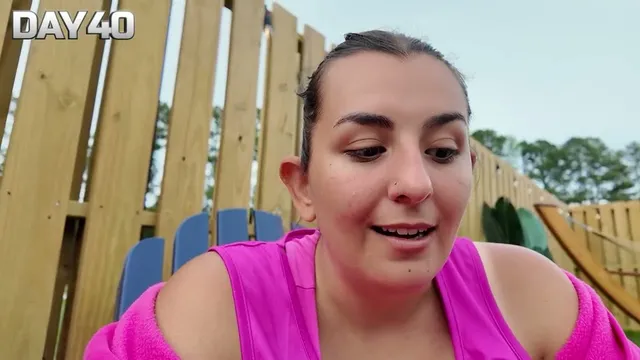
Unclickbait swaps YouTube's thumbnails for a frame from the middle of each video. No shocked faces or red arrows, just a look at the video itself.
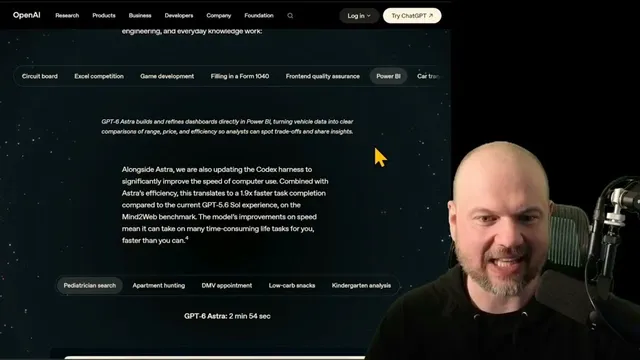
- 13:14
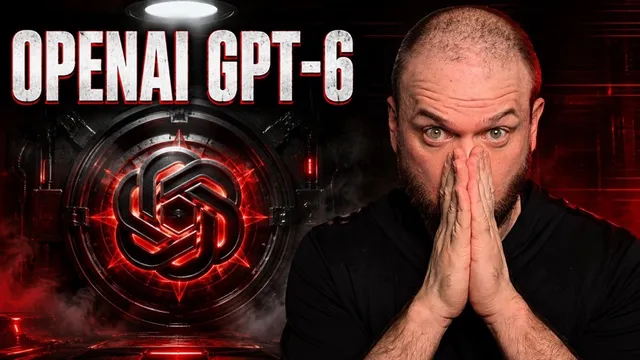
AGI IS HERE
Wes Roth
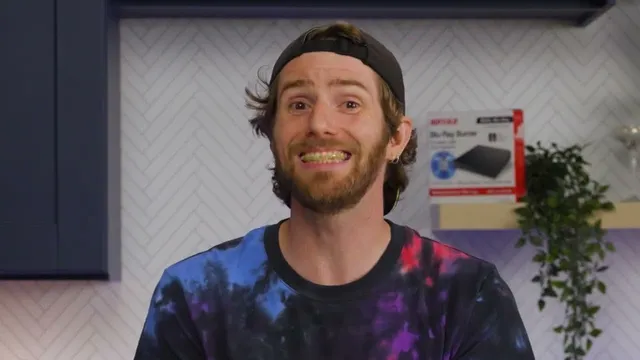
- 9:44
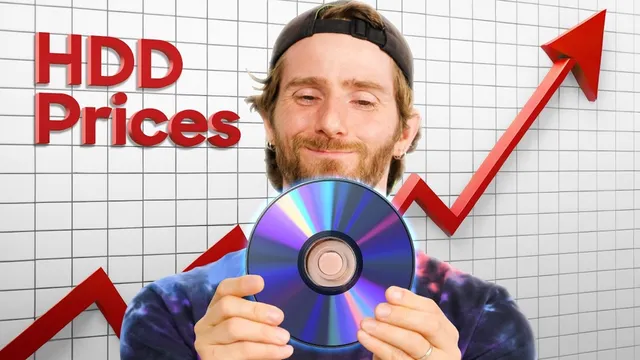
I Promise you this is NOT Stupid
Linus Tech Tips
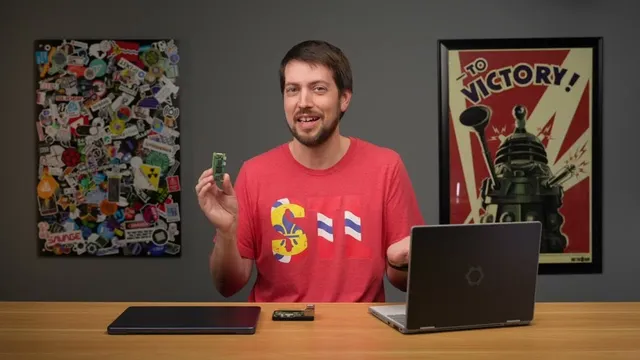
- 3:53
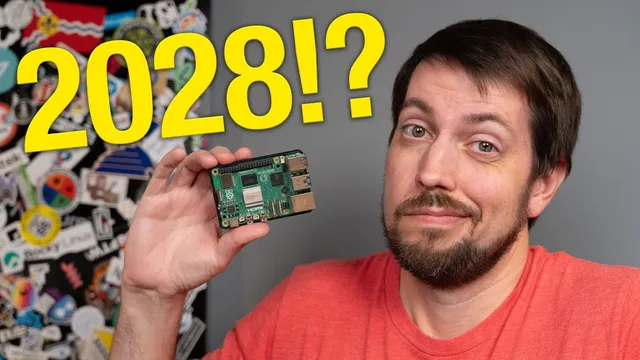
Raspberry Pi 6 update: You're not gonna like this...
Jeff Geerling
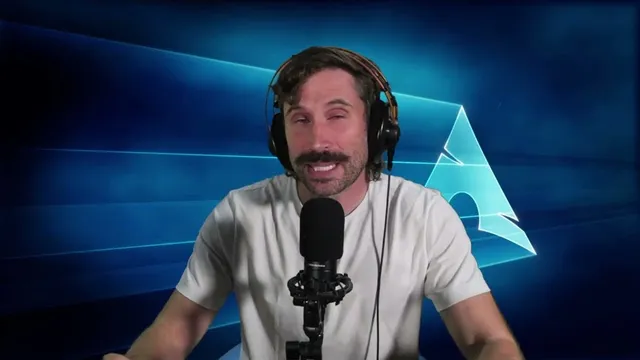
- 8:32
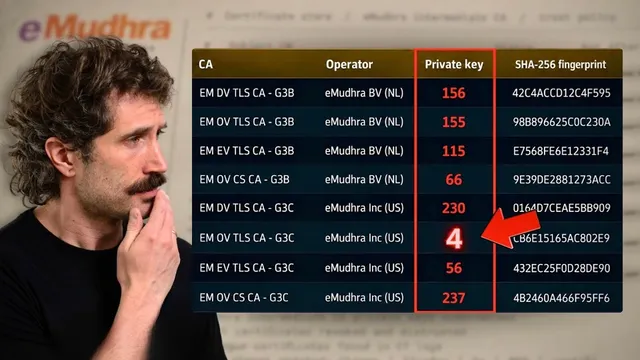
There Is No Way This Is Real
ThePrimeTime
- 53:00

The Internet Was Weeks Away From Disaster And No One Knew
Veritasium
- 43:17

Lose 150 Lbs Together, Win $250,000
MrBeast
How it works
Add it to your browser
Free for Chrome and Firefox, in one click
Browse YouTube as usual
Each thumbnail shows a frame from the middle of the video instead
Switch it off anytime
Turn real frames on or off from the extension's popup
Why the middle of the video
YouTube keeps three frames of every video, from about a quarter, half and three quarters of the way through. Unclickbait shows the one from the middle, when the video is well under way.
Where YouTube has no frame yet, as with a live stream or a video still processing, you see the uploader's thumbnail.
What it changes, and what it doesn't
- Every thumbnail on YouTube
- Your home feed, search, the videos beside the one you're watching, playlists, Shorts and the player.
- Nothing leaves your browser
- No account, no analytics, no servers of ours. The frames come from YouTube itself, like the thumbnails did.
- Titles stay as they are
- It changes the pictures, not the words, so you can judge a title against what the video shows.
YouTube, without the bait
Free for Chrome and Firefox. No account.